- Linux
- Dataflex
- Networking
- Postgresql
- Proxmox
- Windows
- Wordpress
Creating a swap partition in Linux
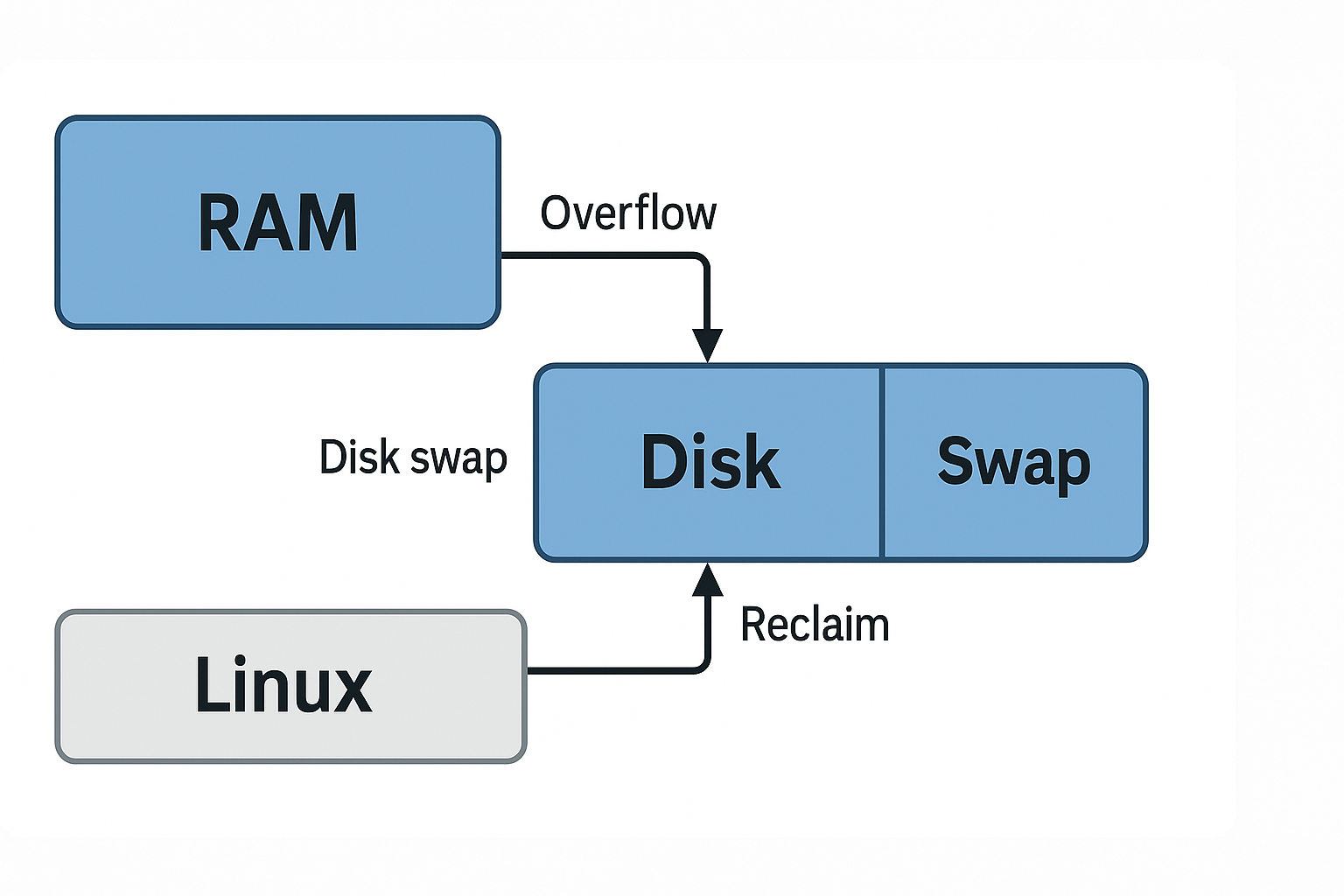
This guide explains how to set up SWAP on an existing Linux system.
1. Check if SWAP already exists
Run the following command to see if any swap space is currently active:
sudo swapon --show
If nothing is returned, there is no active swap.
2. Create the SWAP file
Create a new swap file using fallocate:
sudo fallocate -l 1G /swapfile
Replace 1G with the desired size, e.g. 2G or 4G. If the command fails (for example, on older filesystems), use dd instead:
sudo dd if=/dev/zero of=/swapfile bs=1024 count=1048576
3. Secure the SWAP file
Restrict access so only root can read and write to it:
sudo chmod 600 /swapfile
4. Set up the swap area
Initialize the file as swap space:
sudo mkswap /swapfile
5. Activate the SWAP
Enable the swap file immediately:
sudo swapon /swapfile
6. Make the change permanent
Edit /etc/fstab and add the following line:
/swapfile swap swap defaults 0 0
This ensures the swap file is automatically enabled at boot.
7. Verify
Confirm that the swap is active:
sudo swapon --show
Or check total swap space with:
free -h