Blog ·
Security PSA: WordPress 7.1.5 and the nginx HTTP/2 Remote Code Execution Flaws
WordPress 7.1.5 fixes 20 security issues and nginx has patched critical HTTP/2 flaws. What's affected, what to do now, and what we've already done for managed clients.
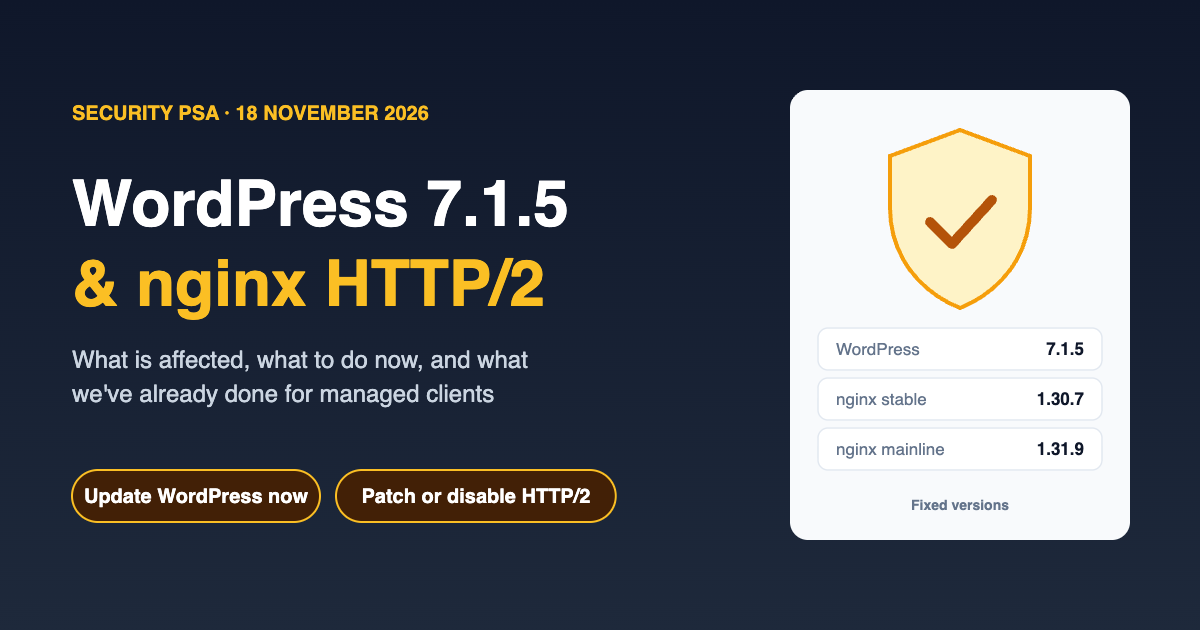
Two important security releases landed on 18 November 2026, and both affect a large share of the web. If you run a WordPress site, or any server using nginx, please read on.
The short version
| WordPress 7.1.5 | nginx HTTP/2 flaws | |
|---|---|---|
| What | Security release fixing 20 issues, including an unauthenticated path to remote code execution | Memory corruption bugs in nginx's HTTP/2 handling that can allow remote code execution |
| Who's affected | WordPress 7.1.4 and earlier, with fixes back-ported to older branches | nginx with HTTP/2 enabled, up to and including 1.31.8 |
| Fixed in | 7.1.5 (and 7.0.9, 6.9.12, 6.8.13 and other back-ports) | nginx 1.30.7 (stable) and 1.31.9 (mainline) |
| Digitize managed clients | Already updated. No action needed | Preventative measures in place. Patched packages roll out as soon as Debian releases them |
WordPress 7.1.5
WordPress 7.1.5 is a security release that fixes 20 issues. The WordPress team recommends updating immediately. Several of the fixed issues can be exploited by someone who doesn't have an account on your site. The most serious are:
- Unauthenticated privilege escalation leading to remote code execution, through Template Part block attributes. In plain terms, an attacker could potentially run their own code on your server without logging in.
- Two SQL injection flaws, which can expose or alter data in your site's database.
- Unauthenticated stored cross-site scripting (XSS) through shortcode attributes in comments.
- Denial of service through batched XML-RPC pingbacks, which can be used to overwhelm a site.
- Multisite Super Admin takeover, where an administrator of one site in a network could take over the whole network.
- Private information disclosure, including private taxonomy terms exposed through the REST API search endpoint.
Fixes have been back-ported to every branch still receiving security updates (back to 4.7), so sites on older major versions can update within their branch, for example to 7.0.9 or 6.9.12. Sites on WordPress 4.6 and earlier no longer receive security fixes at all and should be upgraded as a priority.
What you should do
- Check your version. In your WordPress dashboard, go to Dashboard → Updates.
- Update to 7.1.5, or the latest release in your branch, and confirm the version afterwards.
- Update your plugins and themes at the same time. Core updates close core vulnerabilities, but most WordPress compromises start with an out-of-date plugin or theme.
- Take a backup first if your host doesn't do it for you, and check the site still works afterwards.
Many sites will update automatically if background updates are enabled, but don't assume it. Hosting configuration, version control or a plugin can switch automatic updates off without anyone noticing.
If your site is under a Digitize management agreement
This has already been handled. Every WordPress site under one of our management agreements has already been updated to 7.1.5, or the patched release for its branch. You don't need to do anything.
If your site isn't under a management agreement and you'd like someone to take care of this kind of update for you, our managed WordPress maintenance covers core, plugin and theme updates, backups before every change, and checks afterwards, so security releases like this one are dealt with promptly. You can read more about why WordPress updates matter.
The nginx HTTP/2 vulnerabilities ("NGINX2Root")
nginx is one of the most widely used web servers in the world. It sits in front of a huge number of websites, including many WordPress sites. On the same day, nginx released fixes for a group of vulnerabilities that security researchers have nicknamed "NGINX2Root". The two most serious are in nginx's HTTP/2 module:
- CVE-2026-123007: an integer underflow in HTTP/2 flow control that can cause memory corruption. nginx rates it as major. At best it crashes a worker process, and at worst it can let an unauthenticated attacker run code on the server. A public proof-of-concept has been reported.
- CVE-2026-123633: a use-after-free in HTTP/2 request handling, triggered by a crafted request when the server is running low on connections. It can also lead to code execution.
The same release fixes several lower-severity issues, including flaws in the resolver, HTTP/3 and stream SSL modules.
Who's affected: servers running nginx with HTTP/2 enabled, on versions up to and including 1.31.8. Because HTTP/2 is turned on for most HTTPS sites, that covers a lot of servers. Fixed versions: nginx 1.30.7 (stable) and 1.31.9 (mainline).
Waiting on Debian
Most servers don't install nginx straight from nginx.org. They use the package provided by their Linux distribution, which back-ports security fixes into its own version numbers. At the time of writing, Debian's security tracker still lists these vulnerabilities as open for its supported releases, and patched packages haven't been published yet.
What we've done
We've already taken preventative steps across the servers we manage to reduce exposure to these flaws while Debian prepares its updates. As soon as Debian publishes patched nginx packages, we'll roll them out across our managed infrastructure.
If you're a Digitize hosting or management client, there's nothing you need to do.
If you manage your own servers
- Check your version with
nginx -v, and check whether HTTP/2 is enabled (look forhttp2 on;orlisten ... http2in your configuration). - Update to nginx 1.30.7 or 1.31.9 if you install from nginx.org, or apply your distribution's security update as soon as it's available.
- If you can't patch yet, the vendor's recommended workaround is to temporarily disable HTTP/2 on affected listeners. Visitors fall back to HTTP/1.1. It's a little slower, but it closes off the two main vulnerabilities.
- Rebuild your containers. If you use the official nginx Docker images, pull a fresh image and rebuild. A container built last week is still running the old version.
- Remember the less obvious places nginx runs, such as reverse proxies, load balancers, Kubernetes ingress controllers and appliances. Each needs checking.
Layered defences help too. We've written before about hardening WordPress with Fail2Ban and nginx. Those measures don't fix these vulnerabilities, but they make it much harder for attackers to probe your servers in the first place.
Need a hand?
If you're not sure whether your website or servers are affected, or you'd like us to check and patch them, get in touch or call us on (08) 7081 1100. And if you'd rather not have to think about security releases at all, ask us about our managed WordPress maintenance and managed hosting.